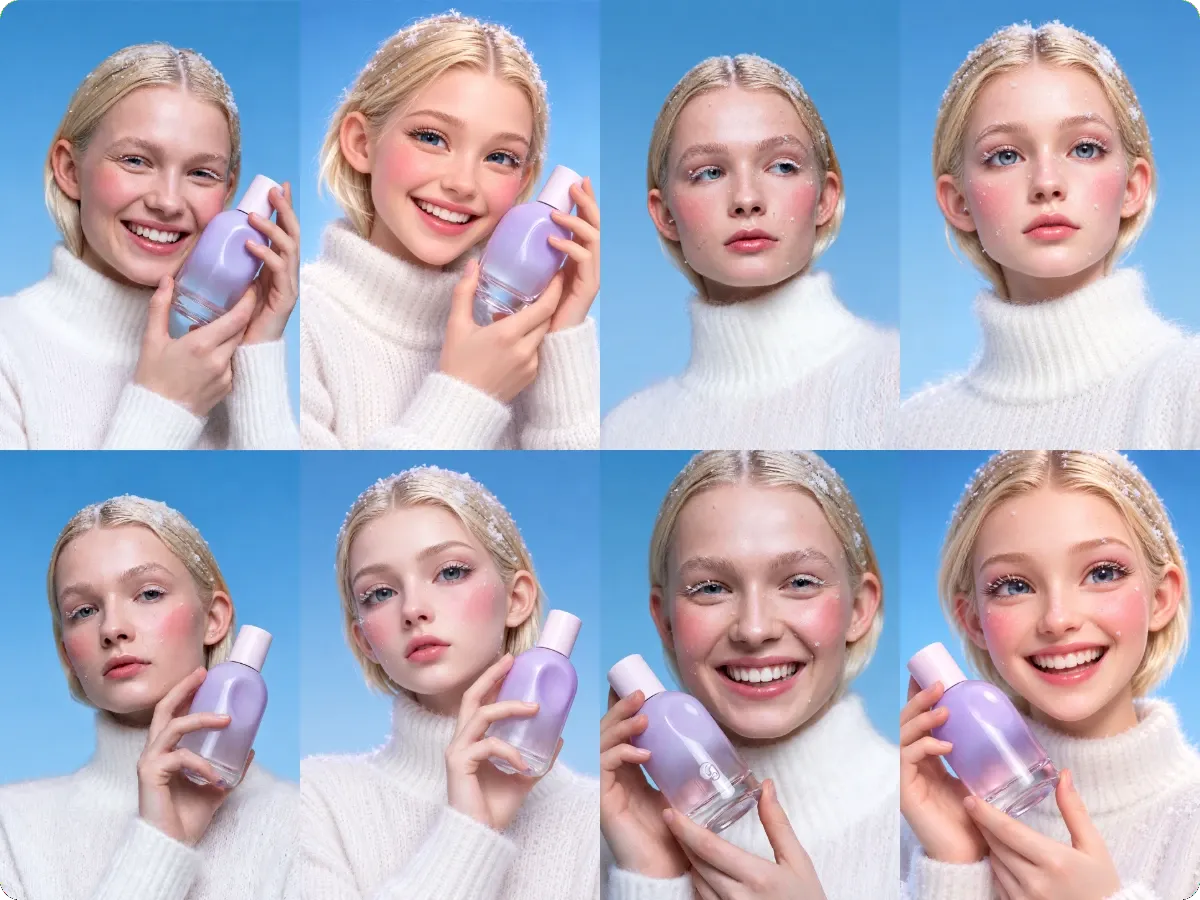
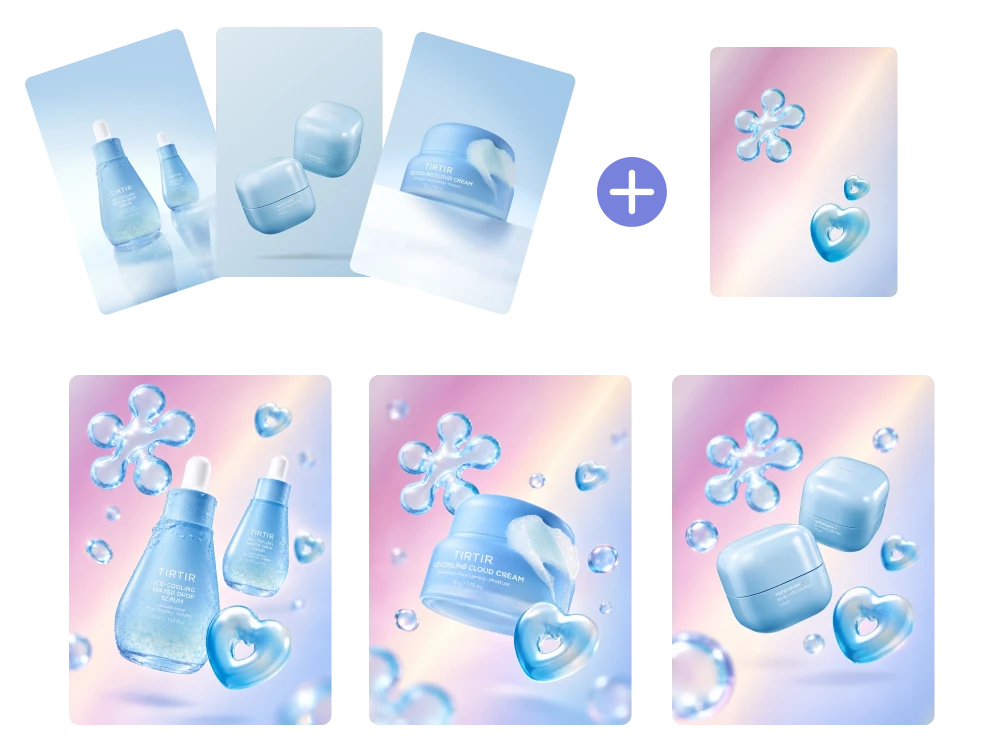
Edit multiple photos online with AI-powered prompts and flexible aspect ratios, making batch image editing easier for creators, marketers, and everyday users.
How to Batch Edit Photos with AI in 3 Steps?
What You Can Do with an AI Batch Photo Editor
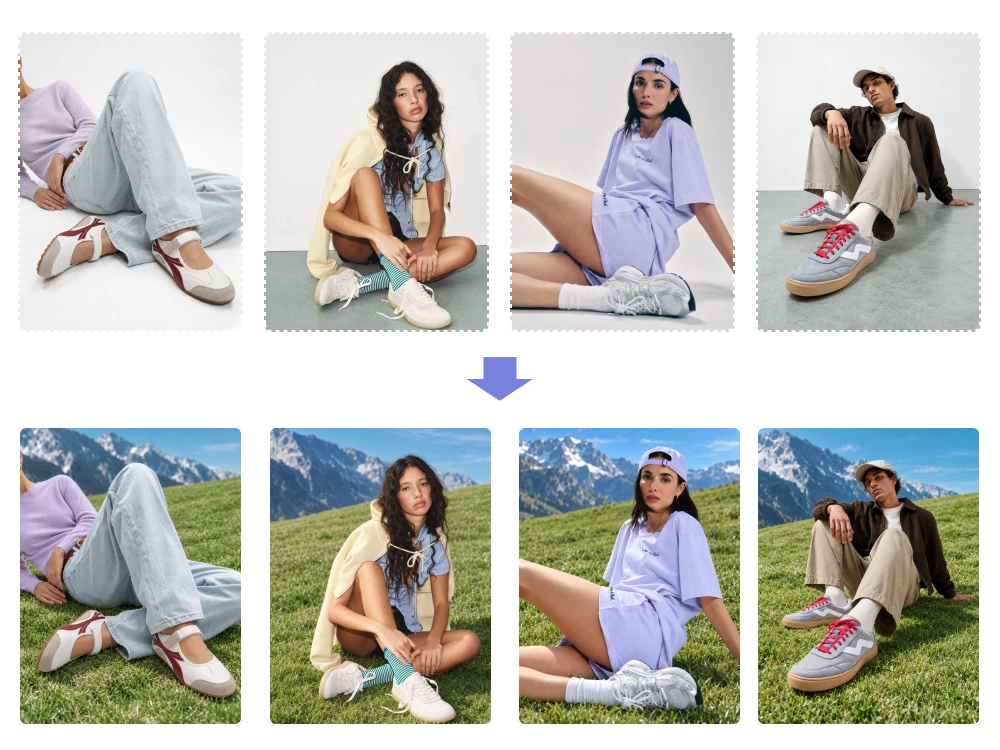
Apply Consistent AI Edits Look Across Your Entire Image Batch
When product photos or campaign visuals come from different sources, their styles can look mismatched. Our best AI Photo Batch Editor applies your editing instructions across up to 50 uploaded images, helping create a more cohesive visual set without repeating the same task for every file.
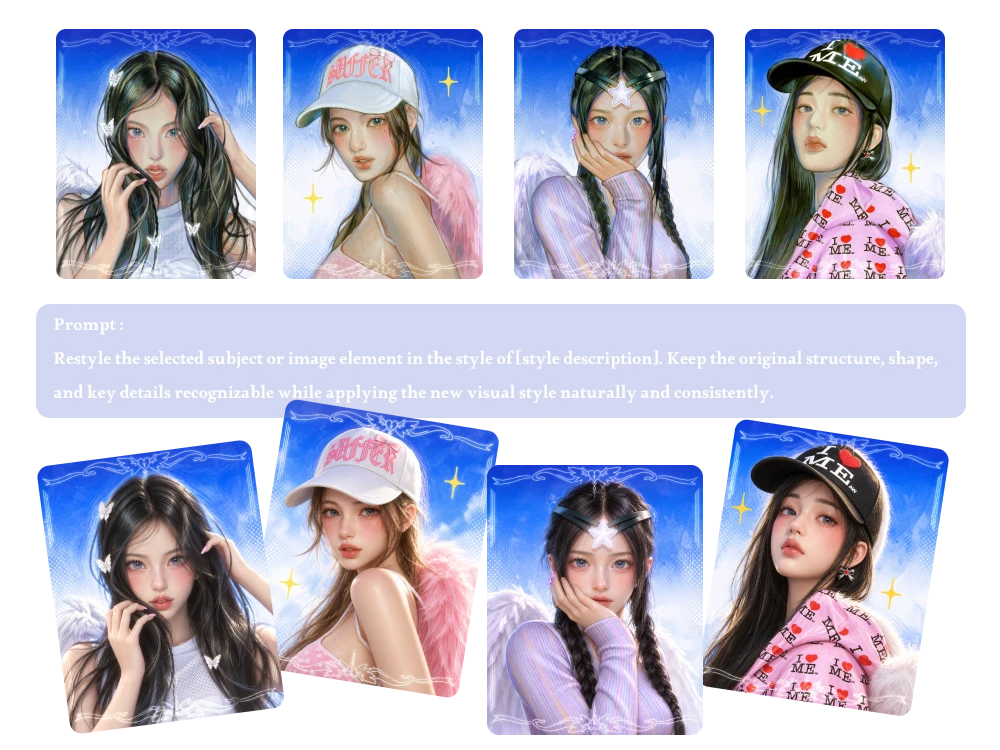
Use Custom Prompts for Batch Editing
Write your own prompt to describe the changes you need. This free Batch Photo Editor gives you a flexible way to define batch edits instead of relying on fixed settings alone.
Batch Edit Product Images for Online Stores and Marketplaces
Preparing dozens of product photos for a new listing can mean hours of repetitive work. Use our Bulk Image Editor to apply a shared editing prompt across product images, then choose an output aspect ratio that better fits your store pages, promotional graphics, or social media posts.
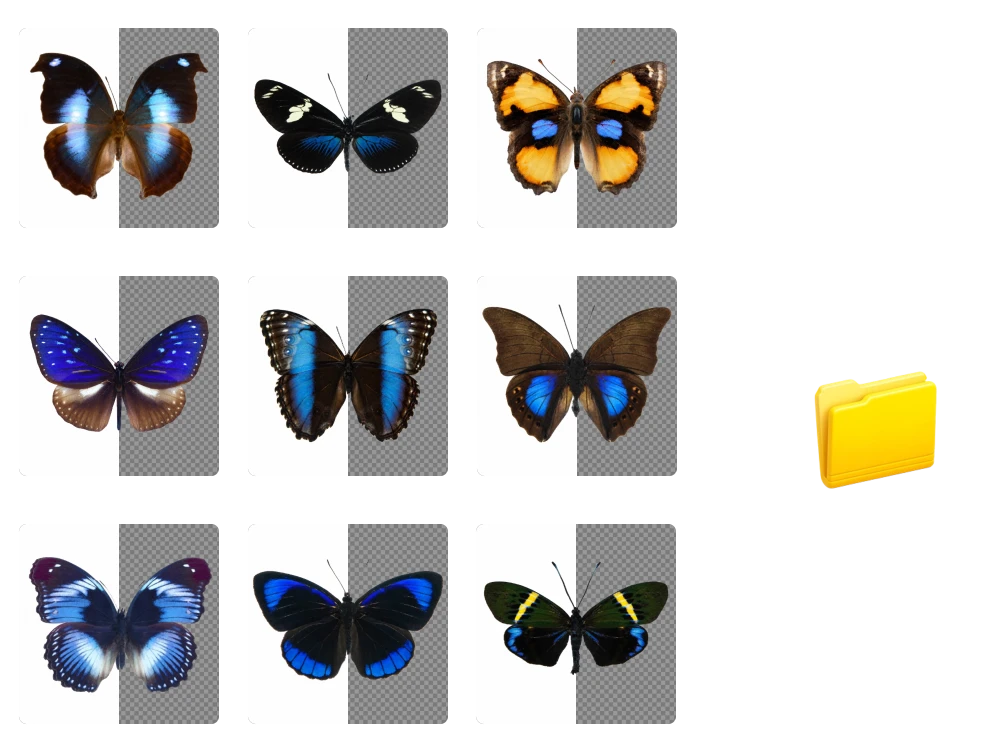
Download All Your Batch-Edited Images in One ZIP File
Downloading edited photos one by one can slow down your workflow, especially when preparing large content sets. Our best AI Photo Batch Editor workflow lets you generate multiple results and download them together in one ZIP file, making files easier to organize and transfer.
Batch Photo Editor Reviews from Creators and Businesses
5 out of 5 stars
"Before launching a new home decor collection, I had 40 product photos that needed a consistent look. This Bulk Image Editor helped me apply shared editing instructions and prepare the images without editing every file separately."
Olivia Carter
E-commerce Store Owner
5 out of 5 stars
"After photographing an entire skincare range, I needed similar edits across dozens of images. This AI Batch Photo Editor gave me a practical way to apply one prompt across the set instead of repeating the same instructions for each photo."
Daniel Foster
Product Photographer
5 out of 5 stars
"For a blog refresh, I needed dozens of images adjusted to fit the same content style. The best AI Batch Photo Editor workflow for me is one that accepts clear prompts and lets me prepare a whole group without handling every image individually."
Grace Wilson
Content Marketing Specialist
5 out of 5 stars
"After a weekend event, I had a large batch of photos to prepare for delivery. This Batch Photo Editor online lets me submit multiple images together, describe the desired changes, and download the generated results in one ZIP file."
Ryan Cooper
Freelance Photographer
5 out of 5 stars
"Several clients ask me to prepare product images in specific proportions for different storefronts. With a bulk image editing tool, I can set the output aspect ratio and process multiple images in one workflow instead of resizing each file separately."
Amelia Turner
E-commerce Consultant
5 out of 5 stars
"We needed a consistent batch of visuals for a landing page launch but had limited design resources. This AI Bulk Image Editor lets us describe the intended changes in plain language and generate multiple edited images without a complicated editing workflow."
James Walker
Startup Founder
5 out of 5 stars
"For a themed digital art project, I wanted several images to follow a related visual direction. Using an AI batch image editing tool, I can provide reference images and custom prompts to guide the results across a group of uploads."
Isabella Reed
Digital Artist
"Before launching a new home decor collection, I had 40 product photos that needed a consistent look. This Bulk Image Editor helped me apply shared editing instructions and prepare the images without editing every file separately."
Olivia Carter
E-commerce Store Owner
"After photographing an entire skincare range, I needed similar edits across dozens of images. This AI Batch Photo Editor gave me a practical way to apply one prompt across the set instead of repeating the same instructions for each photo."
Daniel Foster
Product Photographer
"For a blog refresh, I needed dozens of images adjusted to fit the same content style. The best AI Batch Photo Editor workflow for me is one that accepts clear prompts and lets me prepare a whole group without handling every image individually."
Grace Wilson
Content Marketing Specialist
"After a weekend event, I had a large batch of photos to prepare for delivery. This Batch Photo Editor online lets me submit multiple images together, describe the desired changes, and download the generated results in one ZIP file."
Ryan Cooper
Freelance Photographer
"Several clients ask me to prepare product images in specific proportions for different storefronts. With a bulk image editing tool, I can set the output aspect ratio and process multiple images in one workflow instead of resizing each file separately."
Amelia Turner
E-commerce Consultant
"We needed a consistent batch of visuals for a landing page launch but had limited design resources. This AI Bulk Image Editor lets us describe the intended changes in plain language and generate multiple edited images without a complicated editing workflow."
James Walker
Startup Founder
"For a themed digital art project, I wanted several images to follow a related visual direction. Using an AI batch image editing tool, I can provide reference images and custom prompts to guide the results across a group of uploads."
Isabella Reed
Digital Artist
FAQ about AI Batch Photo Editor
Yes. You can try our free Batch Photo Editor with 5 free credits per day. Upload your images, enter an editing prompt, and use your daily credits to explore AI-powered batch editing without an upfront payment.
No sign-up or login is required. You can open the online batch image editor, upload your images, enter your prompt, and start editing directly in your browser without creating an account.
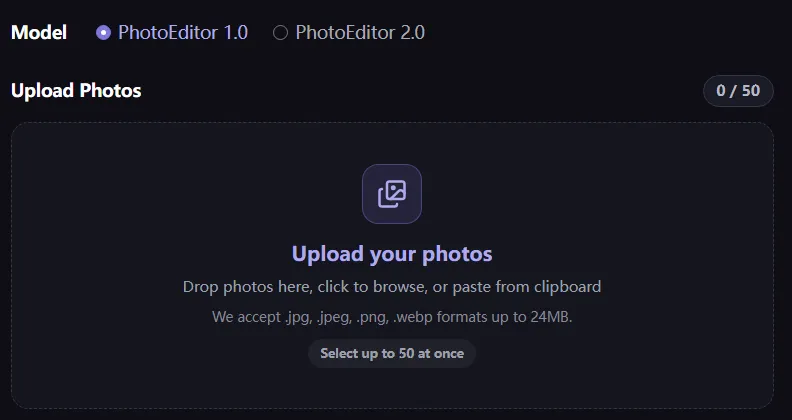
Upload up to 50 images, enter your editing instructions, and select an output aspect ratio. The AI processes your images according to your prompt, and you can download the completed results together in a ZIP file.
Yes. After batch processing is complete, you can export your edited images together in a single ZIP file. This makes it easier to organize, store, and share multiple results without downloading each image individually.
Our AI Batch Picture Editor is designed to edit images based on your prompts while maintaining relevant visual details. Results may vary depending on your original photos and instructions. For best results, clearly describe which product features, colors, and textures should remain unchanged.
You can upload up to 50 images at once, with each image limited to 24MB. We support JPEG, JPG, PNG, and WEBP formats, making it easy to process large batches of product photos, marketing visuals, and other images in one workflow.
Edit More Images in Less Time with AI
Process up to 50 images in one batch, customize your edits, and download your results in a ZIP file. Start batch editing today.