
High-Quality, Watermark-Free Results
Edit and enhance your photos while preserving visual quality. Download polished results in HD without unwanted watermarks.
Edit, enhance, and transform images with AI Photo Editor for creative projects, marketing, and everyday use.
Model
Image
0/5
Drag & drop anywhere, or paste withCtrl+V
We accept .jpg, .jpeg, .png, .webp formats up to 24MB.
Prompt
Ratio
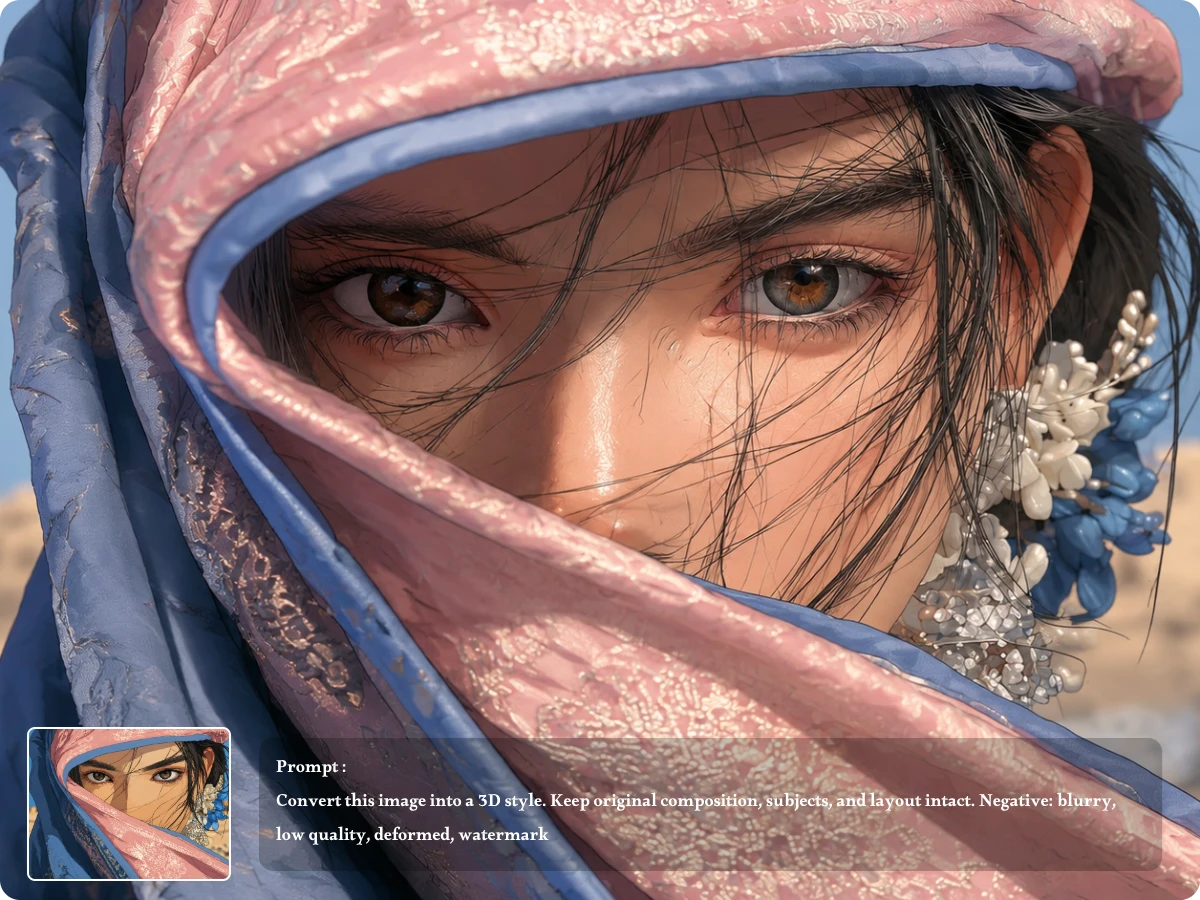
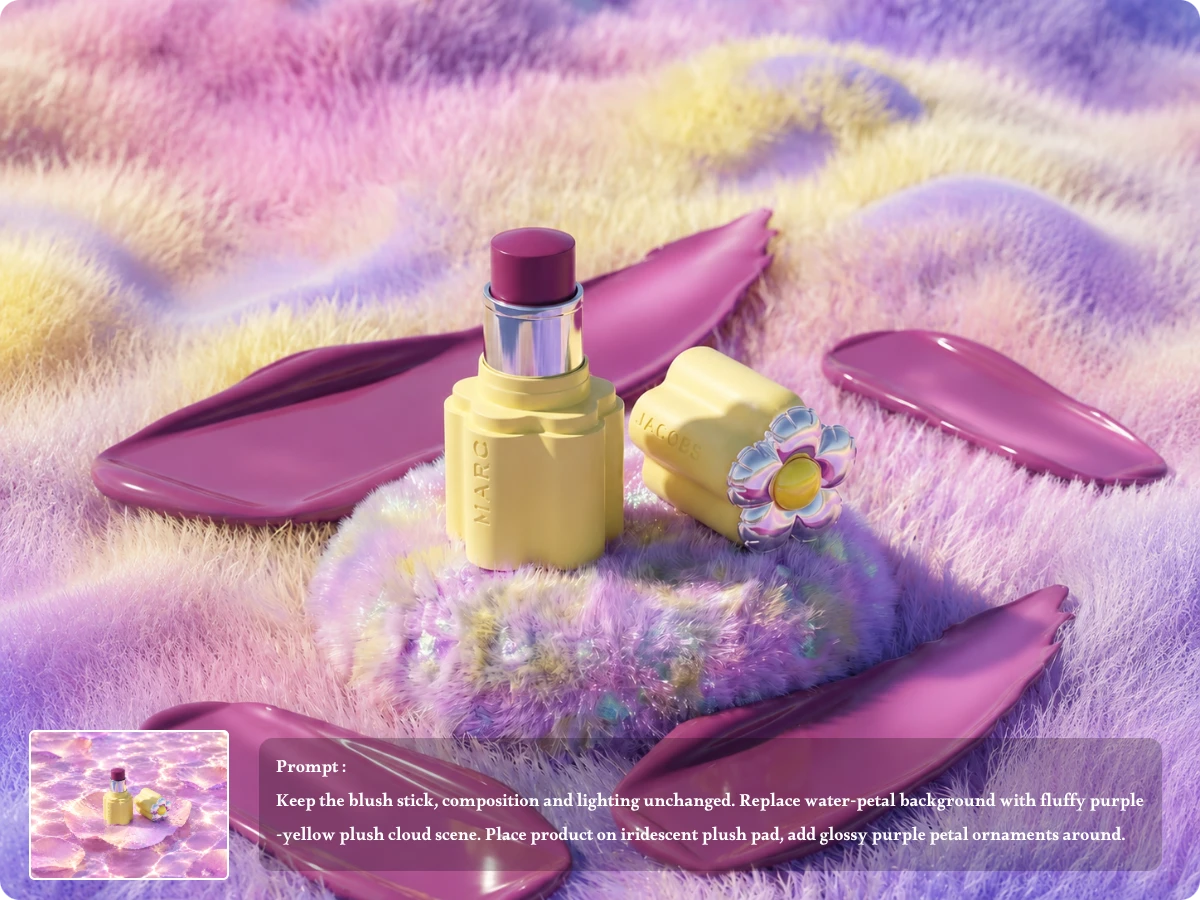
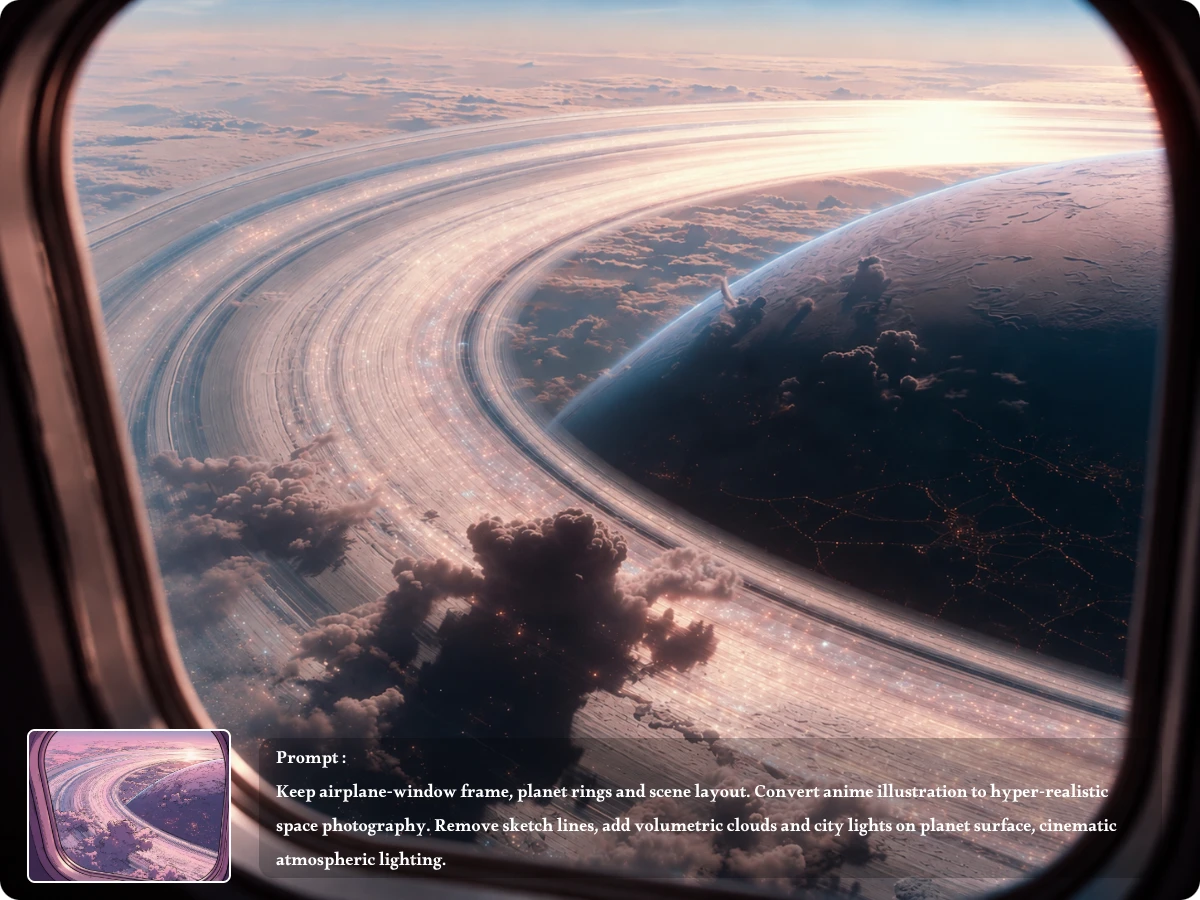
Edit and enhance your photos while preserving visual quality. Download polished results in HD without unwanted watermarks.
Your images are handled with privacy in mind, so you can edit personal, creative, and work-related photos with greater confidence.
Start editing right away with AI photo editor no sign up required. Upload an image, enter your prompt, and create without unnecessary steps.
Try our free AI photo editor with free credits, giving you an easy way to explore AI-powered editing before committing to more.
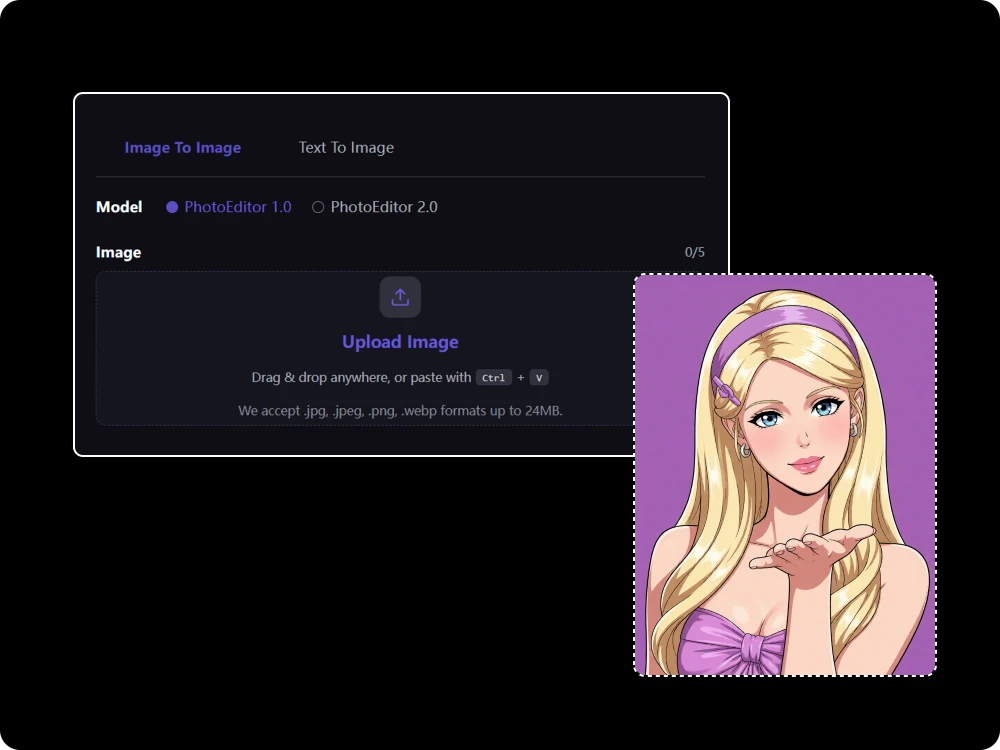
Forget complicated editing panels and manual adjustments. With our free AI photo editor online, simply describe what you want to change, such as removing an object, replacing clothing, adjusting colors, or changing the background, and let AI turn your instructions into a polished edit.
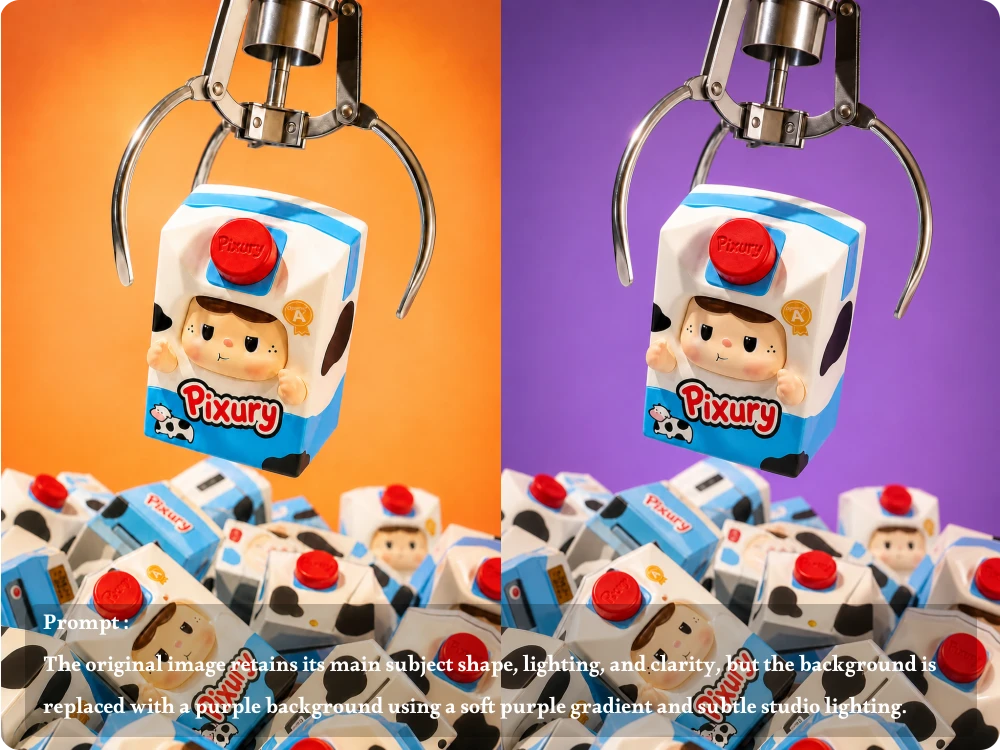
Editing one part of a photo should not mean rebuilding everything else. Our AI Image Editor helps maintain important facial features, subject details, proportions, and overall composition while applying your requested changes, making it easier to create natural-looking results without losing the character of the original image.
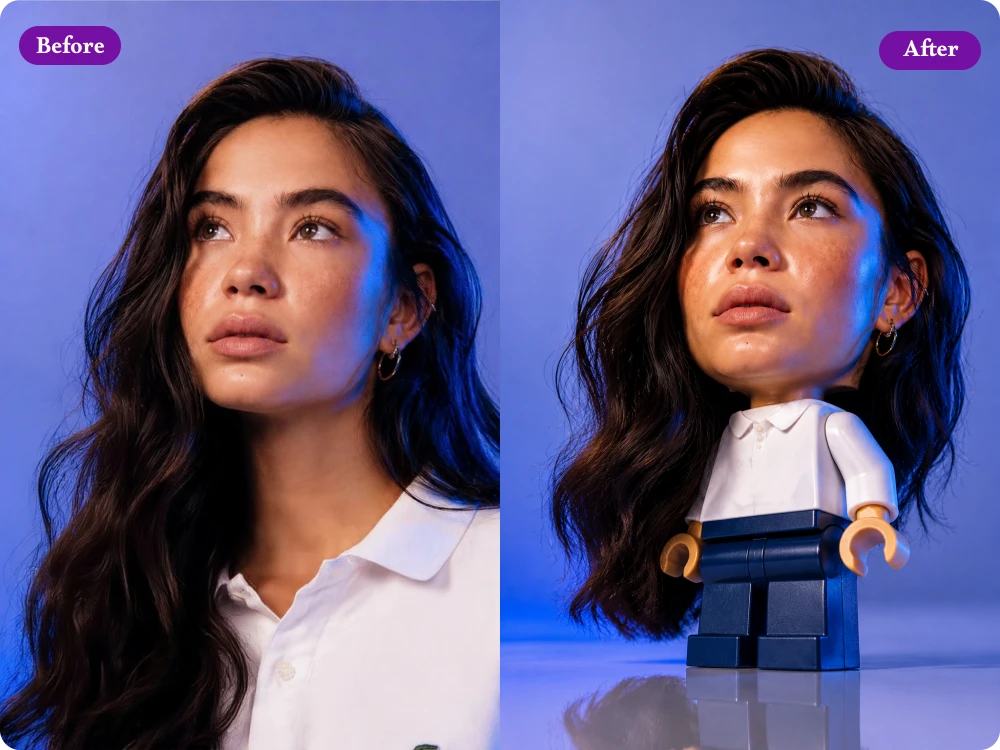
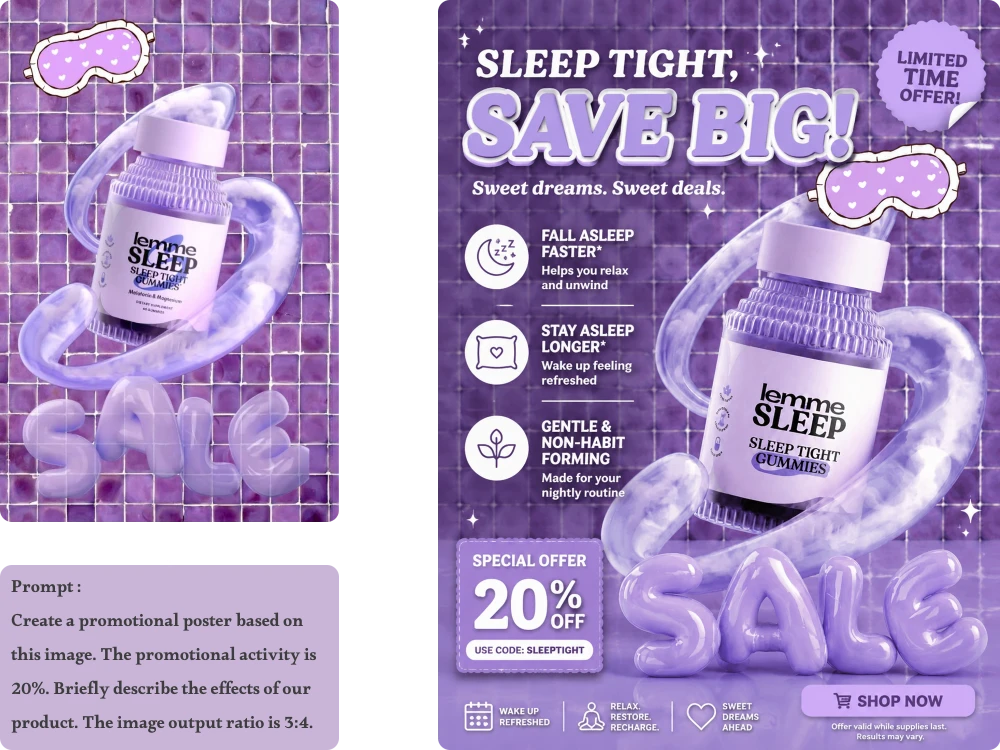
A simple product photo can become a polished marketing visual with the right edits. The Best photo editor AI lets you refine lighting, replace backgrounds, improve textures, and add natural-looking shadows, helping turn everyday product shots into cleaner images for online stores, catalogs, social media, and campaigns.
Sometimes words alone cannot capture the exact look you want. With our AI picture Editor, you can upload a reference image and use it to guide specific details such as colors, materials, lighting, clothing, or visual style, while blending those elements naturally into your original photo.
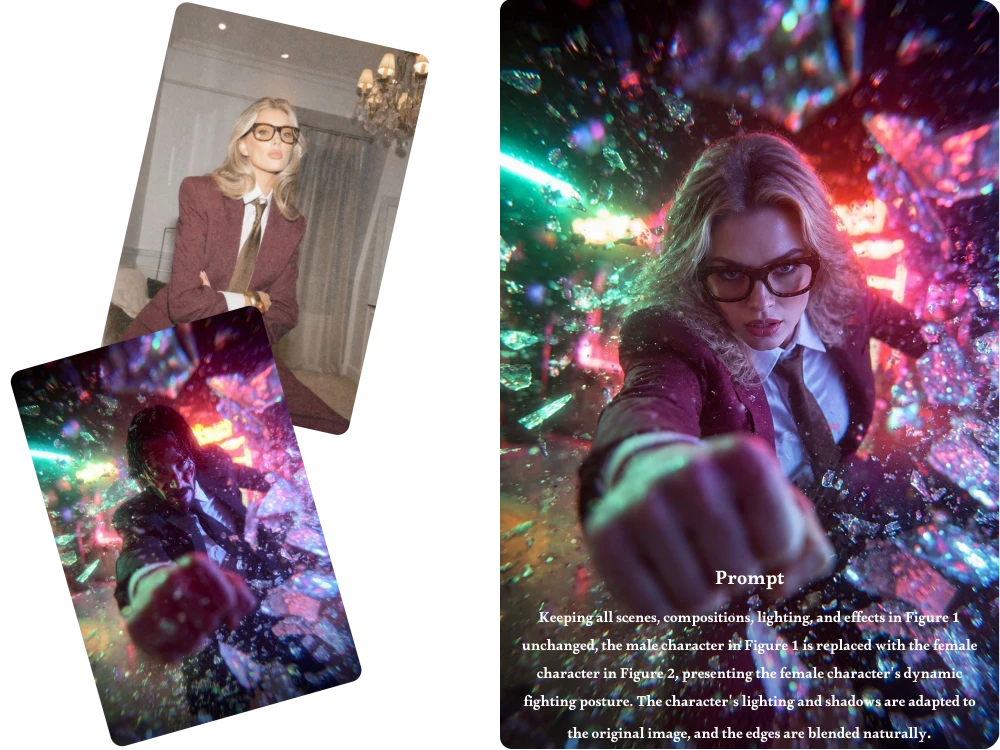
Photo Editor AI lets you edit existing images with simple text prompts. You can remove unwanted objects, replace backgrounds, change clothing, adjust colors and lighting, refine details, or transform specific visual elements without rebuilding the entire image from scratch.
Yes. You can edit images without signing up. Simply upload your photo, describe the changes you want, and generate your edited image directly.
Yes. Our free AI photo editor online gives you 5 free credits every day. Once you use them, your credits automatically refresh the next day, so you can keep using the available features for free.
Yes. You can describe the background you want while keeping the main subject as the focus of the image. The editor is designed to blend the new background with the existing subject, including lighting, colors, shadows, and surrounding details for a more natural result.
Yes. Upload a reference image to guide the visual direction of your edit. You can use it to influence elements such as colors, materials, clothing, lighting, style, or mood while keeping the main subject from your original image recognizable.
Yes. Product photos can be improved by replacing distracting backgrounds, refining lighting, enhancing visible details, and creating more natural shadows. This can help turn simple product shots into cleaner marketing visuals for e-commerce stores, catalogs, social media, and promotional campaigns.
You can upload JPEG, JPG, PNG, and WebP images up to 24MB. After editing, you can download the result in high quality without a watermark, making the tool suitable for everyday photos as well as marketing and commercial image workflows.
With Photo Editor AI, you can refine details, reshape visual elements, explore new styles, and build polished images from simple ideas. Upload your photo and start experimenting for free.