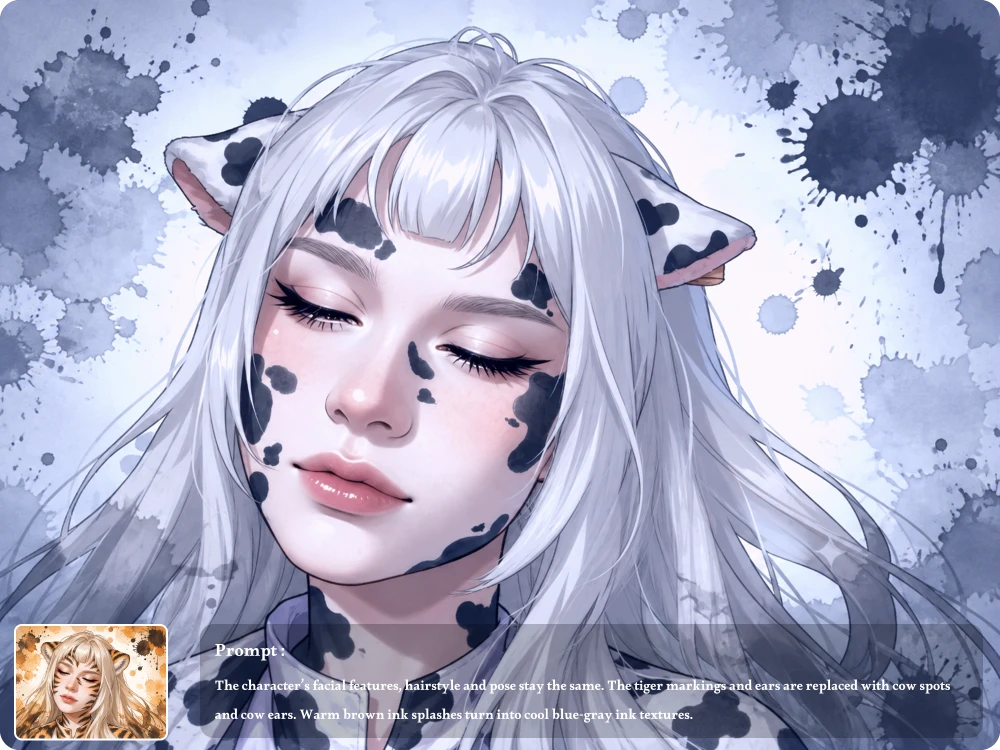
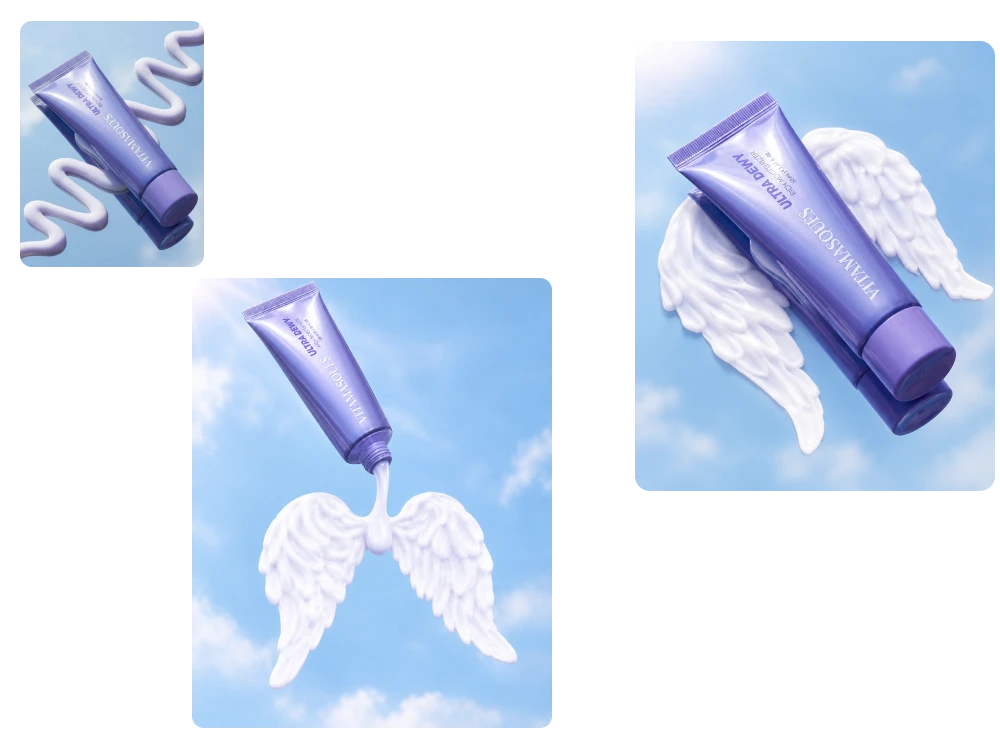
Turn your existing images into new visuals with AI, giving creators and businesses an easier way to edit, enhance, and reimagine content.
Model
Image
0/5
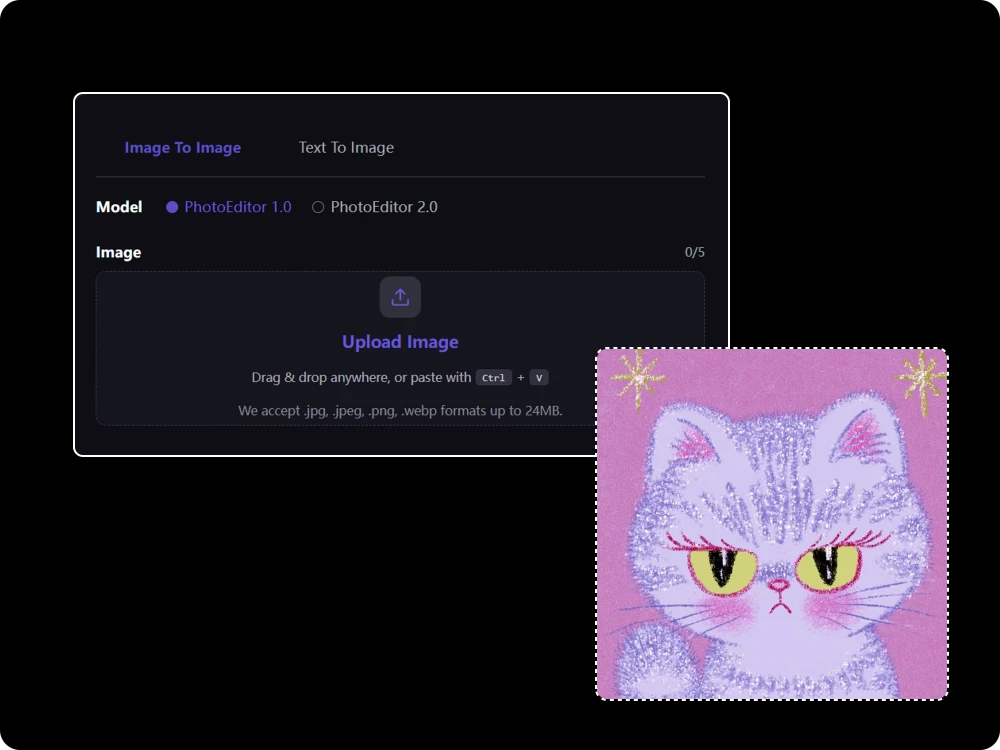
Upload Image
Drag & drop anywhere, or paste withCtrl+V
We accept .jpg, .jpeg, .png, .webp formats up to 24MB.
Prompt
0/4000
Ratio
How Does Our Free Image to Image AI Work?
More Creative Control with an Image to Image Generator
Change What You Want Without Rebuilding the Entire Image
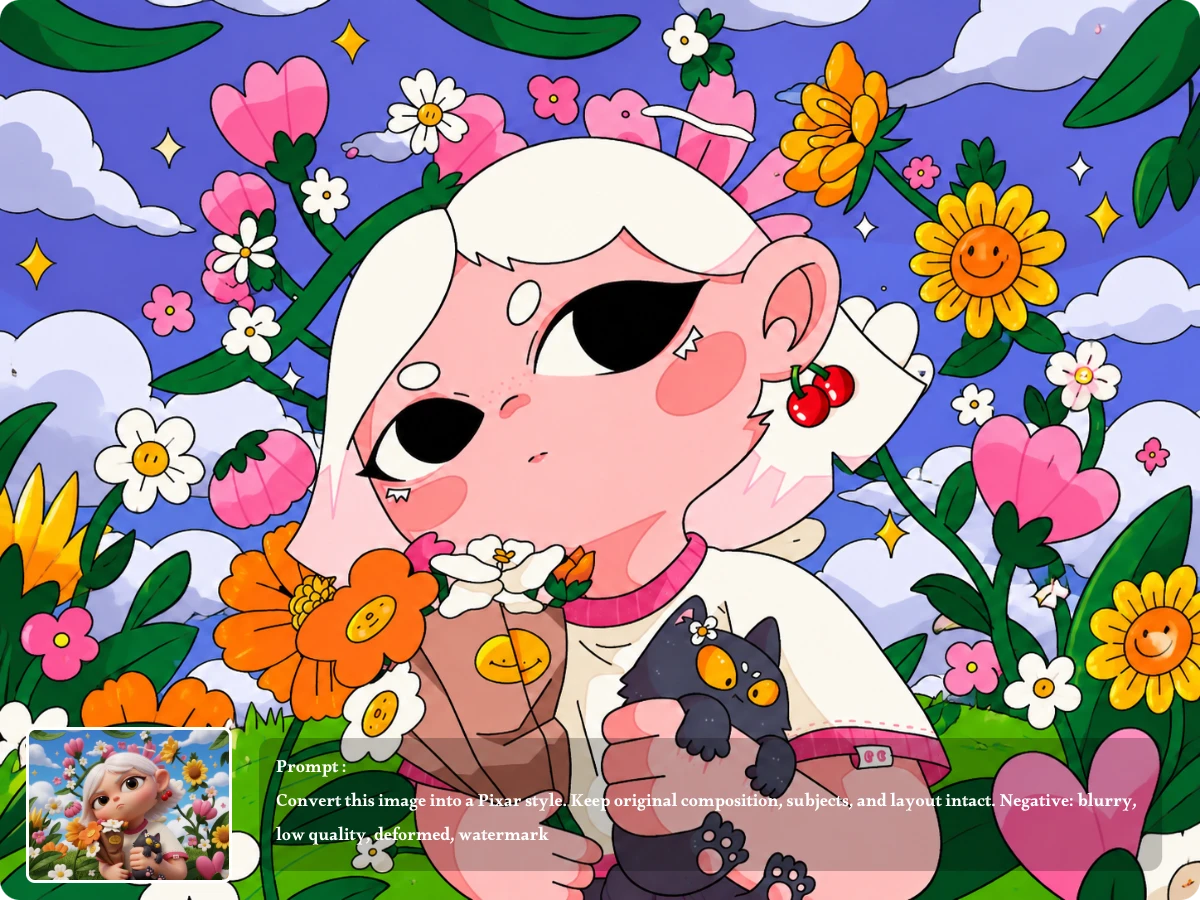
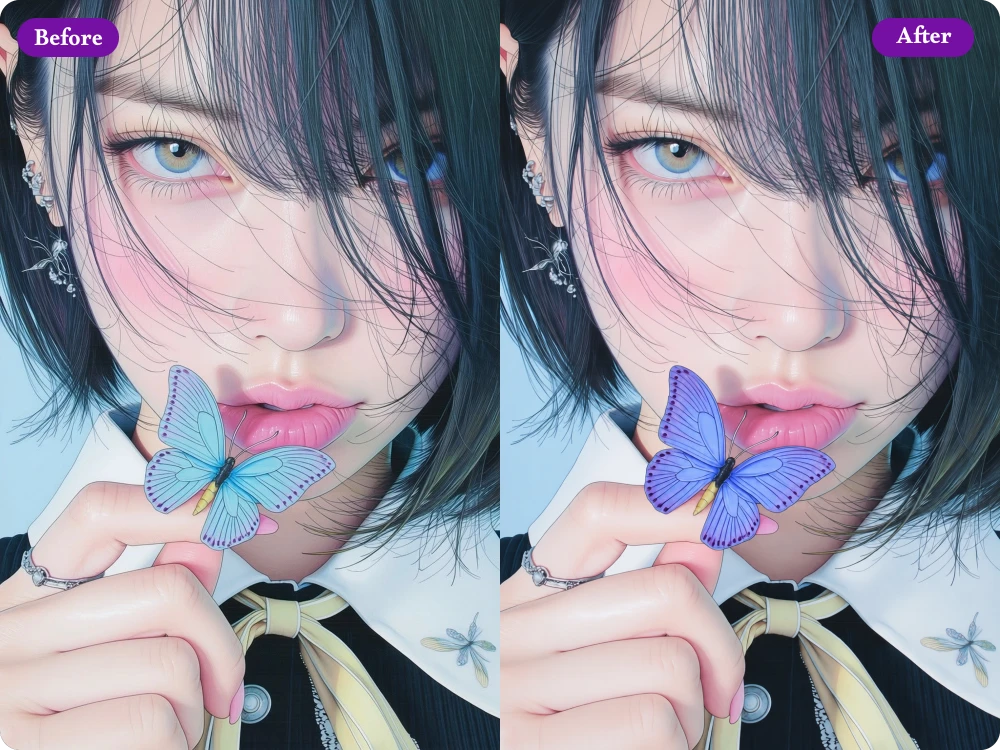
Already have the right subject or composition? Use AI image to image to modify specific elements without starting over. Change clothing, backgrounds, objects, colors, or lighting while keeping the main subject and overall visual direction intact, making targeted edits much easier.
Transfer Styles and Visual Directions from Reference Images
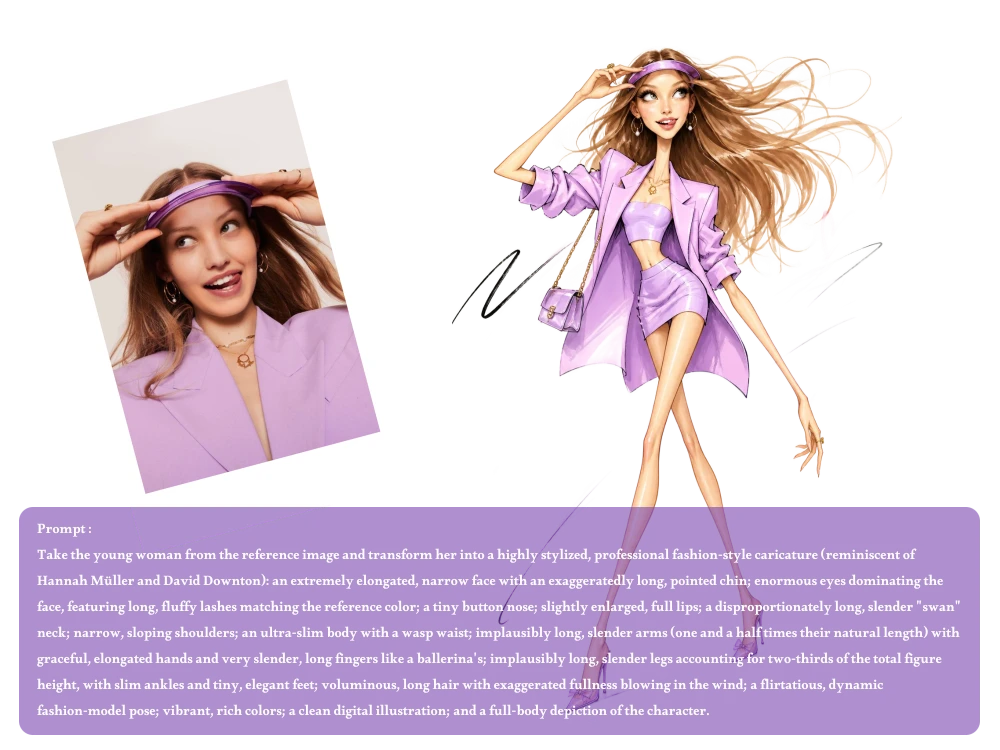
A single reference can communicate details that words cannot. With an AI image to image generator, you can upload multiple references to guide the style, composition, colors, or visual mood, then combine those directions into one cohesive final image without manually recreating every detail.
Create HD Images Without Watermarks
When the image is ready for publishing, quality matters. Our AI photo generator creates high-definition results without adding watermarks, so product visuals, social content, campaign concepts, and other creative assets can be downloaded and used without unwanted branding across the final image.
Keep Refining Your Image with Follow-Up Prompts
The first result does not always match your idea perfectly. Use the image to image editor to continue refining the generated image with follow-up prompts, adjusting details such as the background, colors, clothing, lighting, or composition until the result better fits your intended visual.
Real User Experiences with an AI Image to Image Generator
5 out of 5 stars
"A client wanted a warmer autumn look for her existing portrait. I uploaded the original photo and described the lighting and background changes. The result kept her pose and facial details while creating the seasonal atmosphere she needed."
Olivia Reed
Portrait Photographer
5 out of 5 stars
"I used one model photo and reference images for three different outfits. Instead of arranging another fitting session, I could quickly compare styling directions and show my client realistic concepts before deciding which look to produce."
Sophie Carter
Fashion Stylist
5 out of 5 stars
"I started with a rough product composition and added a reference image for the visual style. The AI preserved the basic arrangement while improving the presentation, helping me turn an early concept into a stronger direction for my client presentation."
Ethan Brooks
Graphic Designer
5 out of 5 stars
"We had one approved product image but needed different visual directions for social ads. I reused the original image with new prompts for each campaign, creating variations for seasonal promotions without rebuilding every creative from scratch."
Noah Williams
Digital Marketer
5 out of 5 stars
"I uploaded a basic room rendering and described warmer lighting, natural materials, and a more refined atmosphere. The generated version helped my client visualize the proposed direction more clearly than the original draft."
James Parker
Interior Designer
5 out of 5 stars
"I wanted to reuse an existing travel portrait for a destination campaign. I provided the original photo and described a coastal setting with golden-hour lighting. The result gave me a new campaign concept without arranging another outdoor shoot."
Ava Mitchell
Travel Blogger
5 out of 5 stars
"For a client pitch, I uploaded a product image, a lighting reference, and a background reference. The AI Picture Generator combined those visual directions into one concept, making it easier for our team to demonstrate the proposed campaign before production."
Chloe Morgan
Social Media Manager
"A client wanted a warmer autumn look for her existing portrait. I uploaded the original photo and described the lighting and background changes. The result kept her pose and facial details while creating the seasonal atmosphere she needed."
Olivia Reed
Portrait Photographer
"I used one model photo and reference images for three different outfits. Instead of arranging another fitting session, I could quickly compare styling directions and show my client realistic concepts before deciding which look to produce."
Sophie Carter
Fashion Stylist
"I started with a rough product composition and added a reference image for the visual style. The AI preserved the basic arrangement while improving the presentation, helping me turn an early concept into a stronger direction for my client presentation."
Ethan Brooks
Graphic Designer
"We had one approved product image but needed different visual directions for social ads. I reused the original image with new prompts for each campaign, creating variations for seasonal promotions without rebuilding every creative from scratch."
Noah Williams
Digital Marketer
"I uploaded a basic room rendering and described warmer lighting, natural materials, and a more refined atmosphere. The generated version helped my client visualize the proposed direction more clearly than the original draft."
James Parker
Interior Designer
"I wanted to reuse an existing travel portrait for a destination campaign. I provided the original photo and described a coastal setting with golden-hour lighting. The result gave me a new campaign concept without arranging another outdoor shoot."
Ava Mitchell
Travel Blogger
"For a client pitch, I uploaded a product image, a lighting reference, and a background reference. The AI Picture Generator combined those visual directions into one concept, making it easier for our team to demonstrate the proposed campaign before production."
Chloe Morgan
Social Media Manager
FAQ about AI Image to Image
Image to Image AI creates a new visual from an existing image or reference images. Upload your source image, describe what you want to change, and AI uses both the visual references and your prompt to generate a new result.
Yes. You can upload up to 5 images as source or reference images. Use different images to provide visual guidance for elements such as a person, outfit, product, style, background, or composition in one final generation.
Our Image to Image AI supports PNG, JPG, JPEG, and WebP files up to 24MB. Upload a clear source or reference image to give the AI more visual information and help it better understand the details you want to use.
Be specific about the changes you want. Describe the subject, what should be changed, the desired background or style, and important details to preserve. Clear instructions usually give the AI better guidance than short or overly general prompts.
Yes. If the first result is not exactly what you want, you can continue refining it with a new prompt. Adjust specific details, change the creative direction, or make additional edits without starting your entire idea from scratch.
Yes. All images generated with our Image to Image AI are provided in high definition with no watermark. You can download your finished images directly and use them without worrying about unwanted watermarks or reduced image quality.
Yes. Our Image to Image AI is completely free to use and does not require you to sign up or log in. You receive 5 free credits every day to generate images, and your credits automatically refresh the next day after you use them.
Ready to Create with Image to Image AI?
Upload your image, add your creative direction, and let Image to Image AI turn your idea into a polished visual. Give it a try today.